Shopify, the platform your store runs on, offers a free tool called Shopify Magic that can draft product descriptions for you. Most owners think that solves the problem.
However, a Gartner survey of 322 US consumers in January 2026 found that 31% would let AI help narrow their choices for household supplies, so AI tools and shoppers now read your page together.
Suppliers usually send you lines such as,
- Stainless steel, 750 ml
- Vacuum insulated, leak-proof lid
- Pack of 12
Shopify Magic can only rewrite what you feed it. Spec in means spec out. The fix is a simple method that turns each line into a reason to buy, without promising anything the product cannot deliver. In this article, we’ll go through 5 steps that turn a supplier spec sheet into a product description that sells.
Key Action Points:
- Pull the three specs a buyer cares about most from every supplier sheet.
- Ask “so what?” after each spec and write the answer in plain words.
- Write to one real buyer, not to everyone.
- Check every claim against your supplier sheet or a sample before it goes live.
- Test one rewritten page against its old version before you roll the method out.

Why Spec Sheets Never Sell Anything?
A spec isn’t a description. It’s raw material. A spec is a fact about your product, and a reason to buy is a fact about your shopper’s life. Supplier sheets only give you the first kind. Your job is to add the second.
What a Spec Actually Tells Your Shopper
Say your supplier lists “750 ml, stainless steel, vacuum insulated.” You know what that means because you sell bottles all day. Your shopper does not. They are asking one thing: will this work for me?
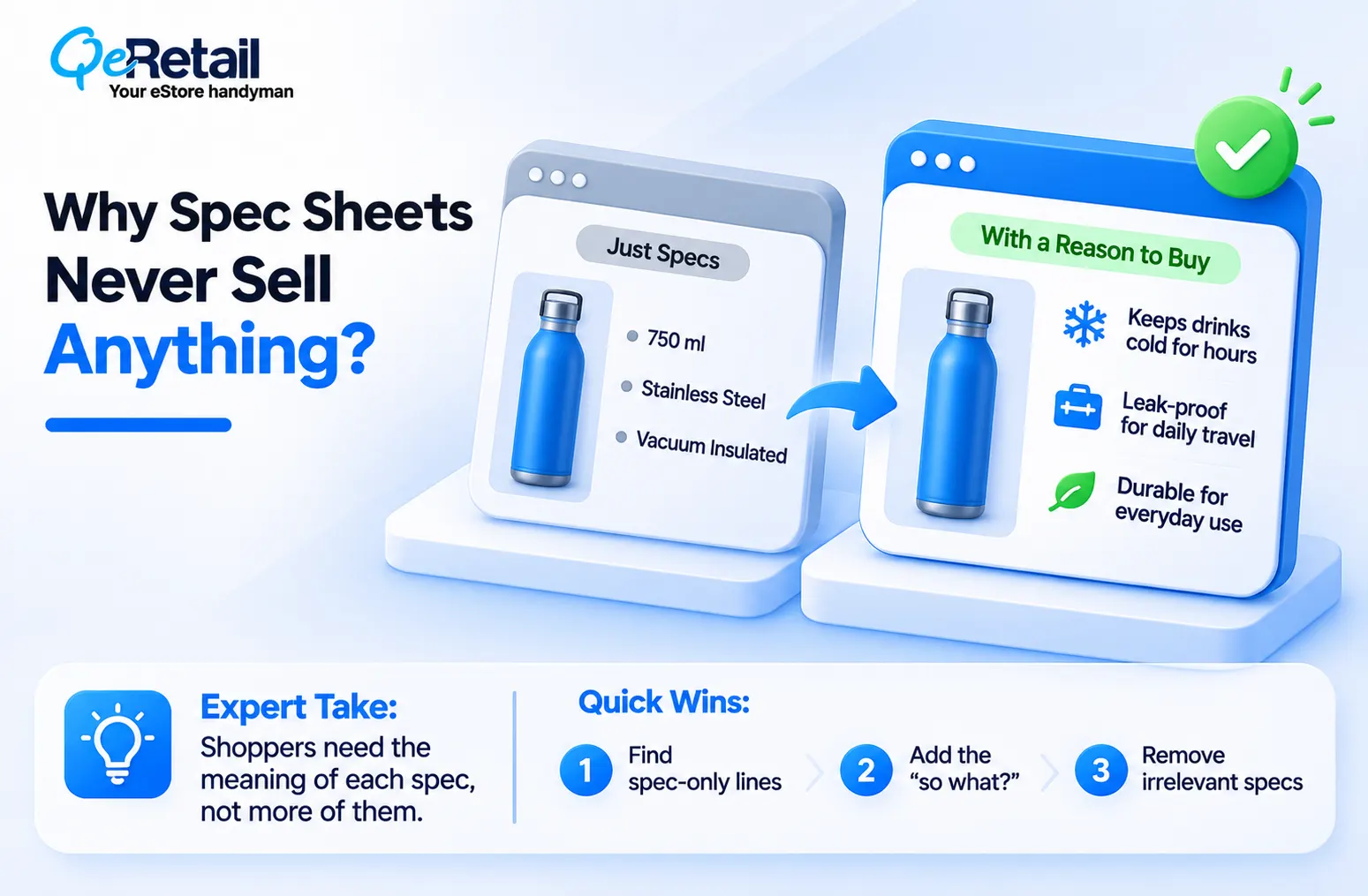
A spec does not answer that. It sits on the page and waits for the shopper to do the math, and most will not. They leave, and the ad click that brought them is gone. Our guide on reducing Shopify customer acquisition cost shows why every wasted visit makes your next sale more expensive.
Expert Take:
Adding more specs will not fix a thin page. A longer list of numbers is still a list of numbers. Shoppers need the meaning of each number, not more of them.
Quick Wins:
- Open your three weakest product pages and count the lines that are only numbers or codes.
- Put a question mark next to each one so you remember to explain it.
- Delete any spec your buyer would never ask about.
Why Copied Supplier Text Hurts Your Store
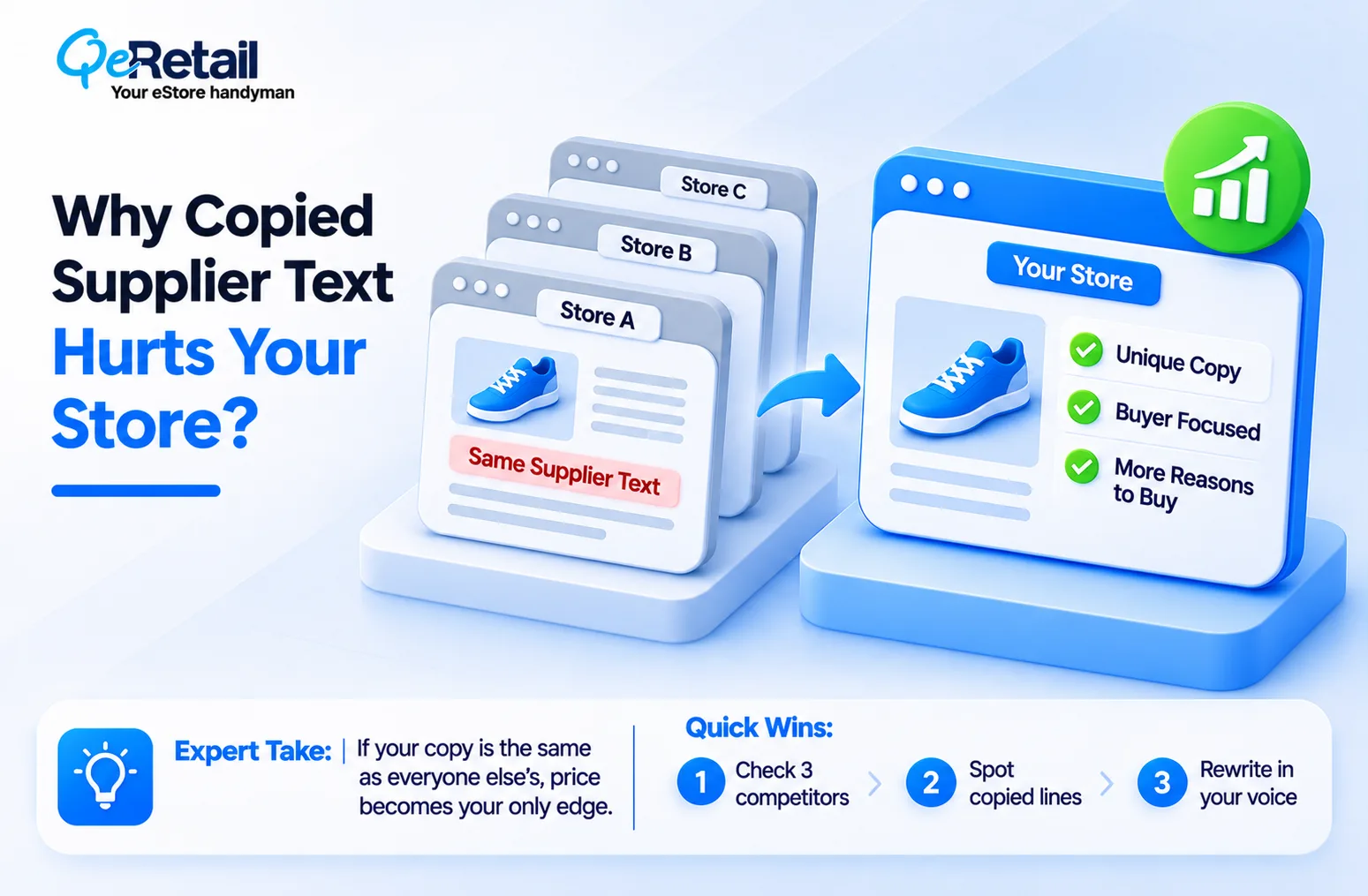
Your supplier gives the same sheet to every store that sells the product. If you paste it in, your page reads like theirs. Shoppers who compare tabs see the same words three times and pick on price. Search engines also have little reason to prefer your copy over the others. Words that only you could write, based on your customer and your product, are the cheapest way to stand apart.
Expert Take:
Reselling the same product as everyone else means price is your only edge unless the page gives a different reason to buy. Your description is the one part of the offer you fully control, so treat it as part of the product.
Quick Wins:
- Search one product name in Google and open three competing stores.
- Note any sentence that appears word for word on more than one site.
- Rewrite those sentences first, using your own buyer’s words.
The 5-Step Method to Turn Specs Into Sales
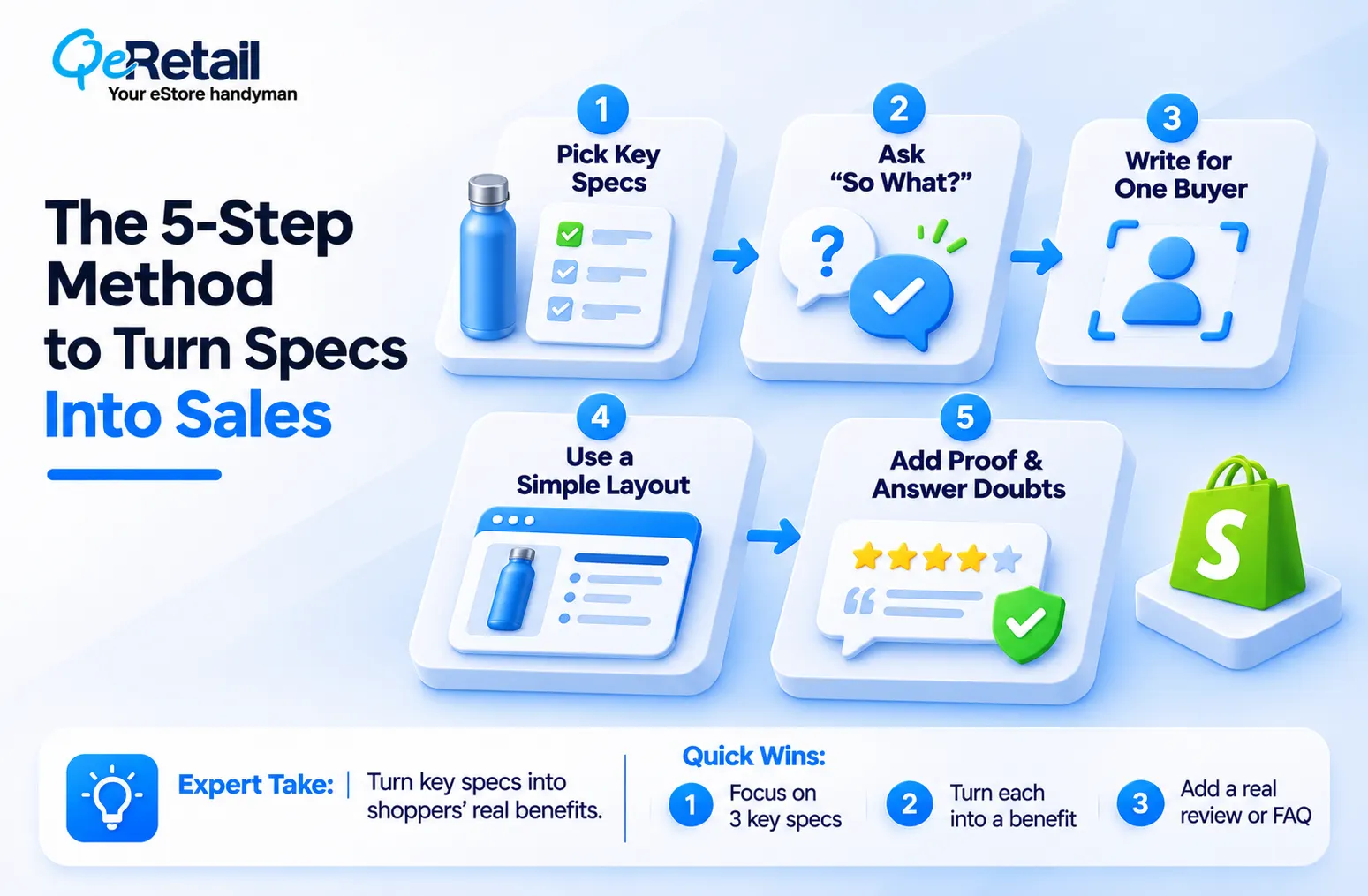
Here is the full method. It works for a water bottle, a work boot, or a phone case. Do it once on your best seller and you will see how fast it goes. The examples use a steel water bottle and are for illustration only.
Step 1: Pick the Specs That Matter
Supplier sheets list everything. You do not need everything. Pick the three specs a buyer would ask about first. For a bottle, that might be the size, how well it keeps drinks cold, and whether the lid leaks. The rest goes into a small details list lower on the page.
Expert Take:
Cutting specs feels risky, so owners keep them all. But a page with twenty facts hides the three that sell. Hide detail, not value. Tuck the extras low on the page instead of deleting them.
Quick Wins:
- Circle the three specs a buyer would ask about first.
- Move the other specs into a details list at the bottom.
- Ask a customer which three they would pick, then compare with your list.
Step 2: Ask So What for Every Spec
This is the heart of the method. Take each spec and ask “so what?” until you reach something the shopper can feel. Stop as soon as you reach a result the spec can honestly support. Going one step further is where made-up claims begin.
Expert Take:
Never invent a benefit to make a spec sound better. A made-up claim creates returns and angry reviews, and it breaks trust faster than a thin page ever did. If you are not sure what a spec does, ask your supplier.
Quick Wins:
- Write “so what?” next to each of your three chosen specs.
- Keep asking until the answer is about the shopper’s day, not the product.
- Mark each answer as “on the sheet” or “needs checking.”
Step 3: Write to a Single Buyer
A description isn’t a speech. It’s a one-on-one talk. Pick one real customer and picture them reading. Write as if you are telling that person about the product over coffee. Pages written for everyone feel like they were written for no one.
Expert Take:
Do not worry that a narrow reader will shrink your sales. Shoppers who do not match your buyer will still buy. They just will not feel talked at. Vague copy is the real risk.
Quick Wins:
- Describe your best customer in one line, for example “a busy nurse who walks to work.”
- Reread your draft and cut any sentence that person would skip.
- Copy the words your customers use in reviews and emails.
Step 4: Use a Simple Layout
Shoppers scan. Give them three parts. First, an opener of one or two lines that says who the product is for and why it helps. Second, three to five short bullets that carry your “so what” lines. Third, a details list with the leftover specs. Build it in the description box on your Shopify product page.
Expert Take:
Bullets are not a magic trick. If every bullet starts with a spec and ends with nothing, you built a prettier spec sheet. Every bullet needs the reason inside it.
Quick Wins:
- Write the opener first, in two lines or fewer.
- Turn each “so what” line into one bullet.
- Put size, materials, and care into a short details list at the bottom.
Step 5: Add Proof and Answer Doubts
Doubt sits in the middle of the buying journey, the stage we cover in our Shopify MOFU strategy guide. So, add proof where you can. Use a real customer line, your return policy, and a clear size or fit note. Then answer the doubt out loud, such as “Will it fit a car cup holder?”
Expert Take:
Three-star reviews are free research. They list the exact doubts new shoppers have. Answer those doubts on the page before the next shopper has to ask.
Quick Wins:
- Copy one short, real review onto the page.
- Add two or three honest answers to the doubts you see in reviews or emails.
- State your return policy in one line near the buy button.
A Worked Example From Spec Sheet to Finished Page
Here is the method on one product. The bottle and its specs are illustrative, so swap in your own facts. The right-hand column is the one most owners skip.
| Supplier Spec | So What for the Shopper | Claim Check |
| 750 ml capacity | Holds enough for a long workday, so fewer refills | Safe. The size is on the sheet. |
| Leak-proof lid | Can travel in a bag next to a laptop | Test a sample first. “Leak-proof” is the supplier’s word, not yours. |
| Vacuum insulated | Drinks stay cold longer than in a plain bottle | Do not state hours unless the supplier gives tested hours in writing. |
Finished page:
A bottle you can fill once and carry through a long workday. The lid is built to stay sealed, so it can ride in your bag next to your laptop.
Why people pick it:
- Holds 750 ml, enough for most of a workday without refills
- Insulated walls keep cold drinks cold longer than a plain bottle
- Lid designed to stay sealed in a bag
Details: stainless steel, 750 ml, sold as a single bottle. Return policy: [one line]
Expert Take:
Look at what the finished page does not say. It gives no hours of cold and no “100% leak-proof” promise. Strong copy is specific about what the sheet supports and careful about what it does not. That restraint is what keeps reviews and returns under control.

What to Verify Before Every Page Goes Live?
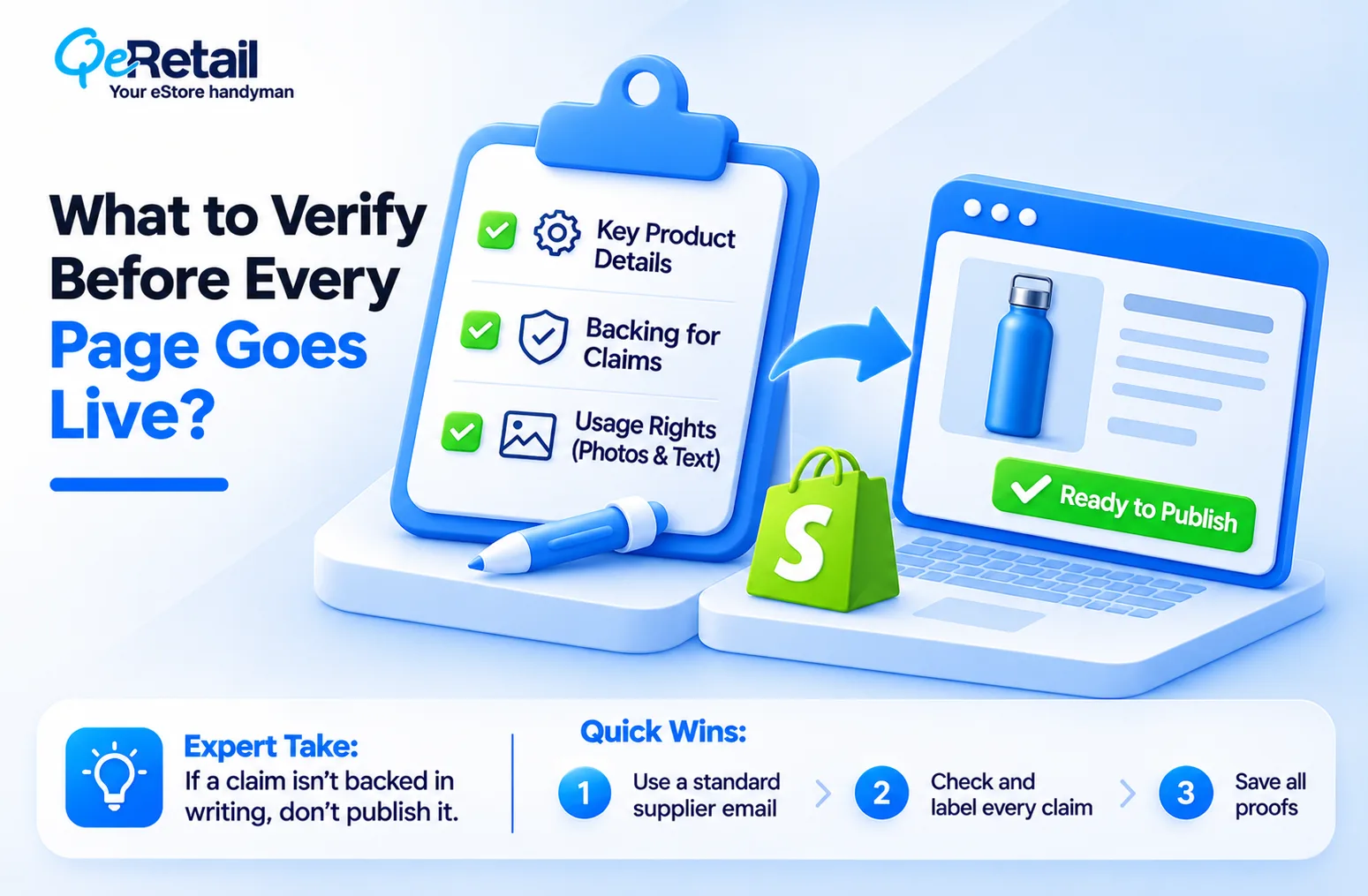
A good description earns trust. A careless one burns it. Spend ten minutes on these checks per product.
Questions Worth Sending Your Supplier
Spec sheets leave gaps. Send one email with the same questions for every product line and keep the replies in a shared folder. Ask for what the product is made of, exact dimensions, what comes in the box, care instructions, warranty terms, and any test results behind claims such as “waterproof” or “non-toxic.”/p>
Ask whether you may reuse the supplier’s photos and text. Your supplier’s answer decides what you can safely write.
Expert Take:
A supplier who cannot answer basic questions about their own product is information too. If they cannot back a claim in writing, you should not publish it under your name.
Quick Wins:
- Write one standard email of six to eight questions.
- Send it for your top ten products first.
- Save every reply next to the product record.
Which Claims are Safe to Write
Sort every claim into three buckets. Facts on the sheet, such as size and material, are safe. Results that depend on use, such as “keeps drinks cold,” need careful wording like “longer than a plain bottle.”
Health, safety, or performance promises need written proof from the supplier or a test you ran yourself. Rules on what you may claim differ by country and product type, so check your local requirements or ask an adviser before you publish anything about health or safety.
Expert Take:
You are responsible for the words on your store, not your supplier. If a claim goes wrong, the unhappy customer finds you, not the factory.
Quick Wins:
- Highlight every claim in your draft and label it as sheet, careful wording, or needs proof.
- Remove or soften any claim you cannot back up.
- Keep proof for any health or safety claim on file.
Your Pre-Publish Checklist
- The opener says who the product is for and why it helps.
- Each bullet carries a reason, not only a spec.
- Every claim is backed by the sheet, a sample, or careful wording.
- At least one shopper doubt is answered on the page.
- No sentence is copied word for word from the supplier.
- The return policy is visible near the buy button.
- The page reads well on a phone.
How to Update a Large Catalog Without Getting Overwhelmed?
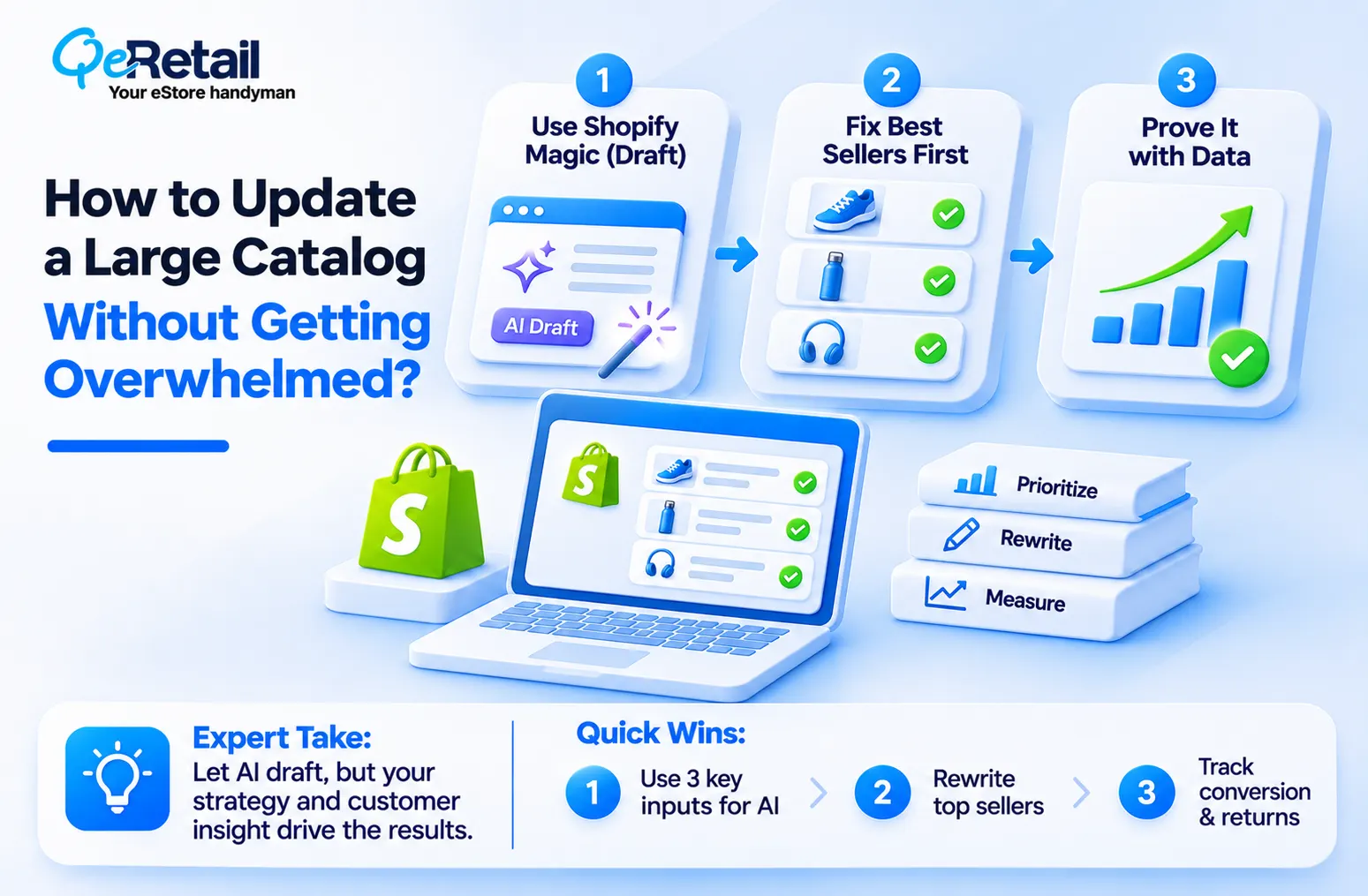
You may have 40 products or 400. You cannot rewrite them all this week. So, do the work in order of money, not in order of the list.
Use Shopify Magic as a Draft Tool
Shopify Magic can write a first draft from the details you give it. Use it to save time, not to think for you. Feed it your three chosen specs, your “so what” lines, and your one buyer. Then edit the draft until it sounds like you, and run it through the claim check above. AI tools can sound confident while stating things the product does not do.
Expert Take:
AI does not fix a spec sheet. It polishes it. Paste raw specs into any tool and you get smooth sentences that still say nothing. The thinking in steps 1 to 3 is your edge, and no tool can do it for you because no tool knows your customer.
Quick Wins:
- Give the tool your three chosen specs and “so what” lines, not the full supplier sheet.
- Edit every draft so it sounds like the way you talk.
- Check each claim against your supplier information before you publish.
Fix Best Sellers First
Open Analytics in your Shopify admin and look at sales by product. Start with your top ten. These pages already get visits, so better words pay off fastest. Do two or three a day. Stores at $100K to $200K can rewrite the top ten by hand. Stores at $400K to $500K+ should write one strong template and hand the rest to a writer who follows your claim check.
Expert Take:
Do not rewrite your worst sellers first. A page nobody visits cannot show you whether the new words work. Fix the pages with traffic, learn what works, then copy that pattern down the list.
Quick Wins:
- Rank your products by sales and list the top ten.
- Rewrite two or three a day, no more.
- Save your best description as a template for the rest.
Proof That the Rewrite Worked
Do not assume the new page is better. Check. Pick one product with steady traffic. Note its conversion rate in Shopify Analytics for four weeks on the old text, then four weeks on the new text, with no price change or big promotion in between. Watch returns and customer questions for that product too. A single product is a small test, so read the result as a signal, not a guarantee.
Expert Take:
A lift in conversion with a rise in returns is not a win. It may mean the page now promises too much. Judge the rewrite on sales kept, not sales made.
Quick Wins:
- Write down the old conversion rate and return count before you change the text.
- Leave price, photos, and promotions alone during the test.
- Roll the method out to the next products only if returns stay flat.
Final Thoughts
Most stores treat a product description as a place to store facts. It isn’t. It is the only salesperson your product has when a shopper is alone with a phone.
If you copied your supplier’s sheet and called it done, you didn’t write a description; you just moved a spreadsheet onto your site. The right path gives every ad click a better chance to turn into a sale, and it sets your page apart from every other store selling the same item.
QeRetail works with Shopify owners who want product pages that carry their weight. Need a partner who fixes your product pages? Book a free consultation.
Frequently Asked Questions
What is the Right Length for a Shopify Product Description?
Is Shopify Magic Enough to Write Product Descriptions?
Is It Safe to Copy a Supplier's Description?
How Long Does This Take for a Small Store?
Table of Contents